
Forum Replies Created
-
AuthorPosts
-
January 16, 2024 at 10:30 pm in reply to: ProcessAlive – Automatically restart crashed programs #30950
Phobos
ModeratorRight-click on the ProcessAlive and choose Properties from the context-menu.
In the properties window, select the Compatibility tab.
Under the Settings section, select the checkboxes labeled “Register the program for restart” and “Run this program as an administrator”. Select the same checkboxes in “Change settings for all users”.
Run the ProcessAlive. Select the all checkboxes. Add all the programs you need to the list. Close the ProcessAlive.
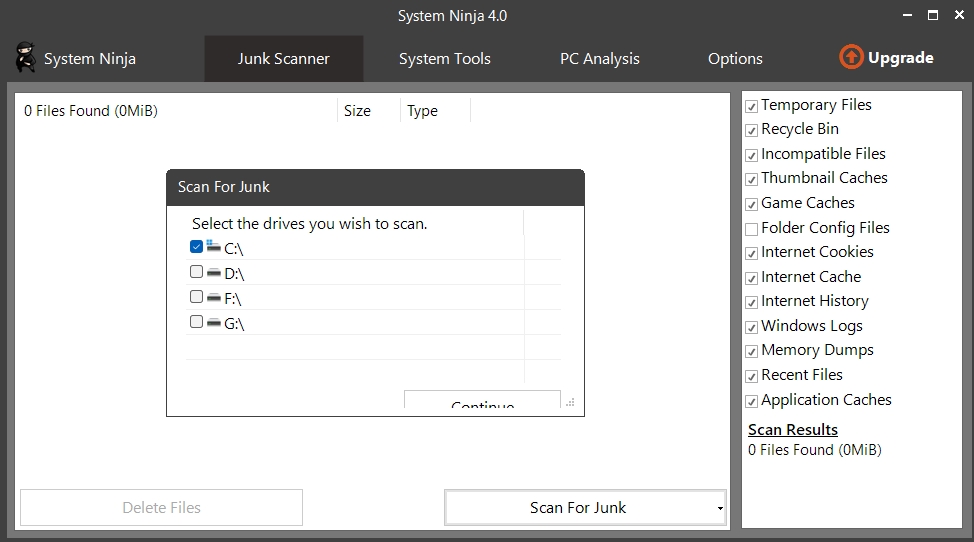
Done.ModeratorSN v4.0.1
Attachments:
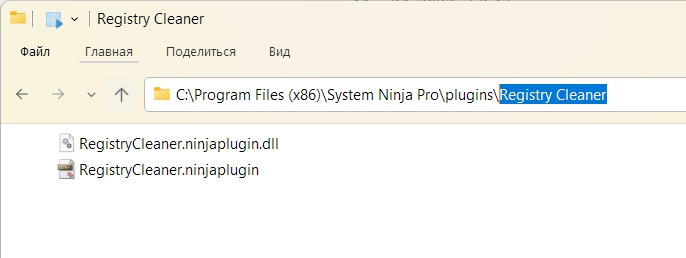
ModeratorModerator[quote quote=25186]C:\Program Files (x86)\System Ninja\plugins\RegistryCleaner.ninjaplugin.dll[/quote]
This is not the correct plugin location.
Attachments:
ModeratorShare the logs (debug-errors) please.
ModeratorDont see the problem. Need more info.
ModeratorThe program starts in a minimized state. Pay attention to the taskbar.
ModeratorPlease stop spamming.
Uninstall the program completely. Make sure there are no files or folders left. Install the program by running it as administrator.
ModeratorYes, problem solved.
ModeratorI confirm.
Attachments:
-
AuthorPosts